Show an object only at a choice
A long top needs support in the middle. Under a top of 220 or 240 cm the table Noor has a middle support. Under a shorter top it has none.
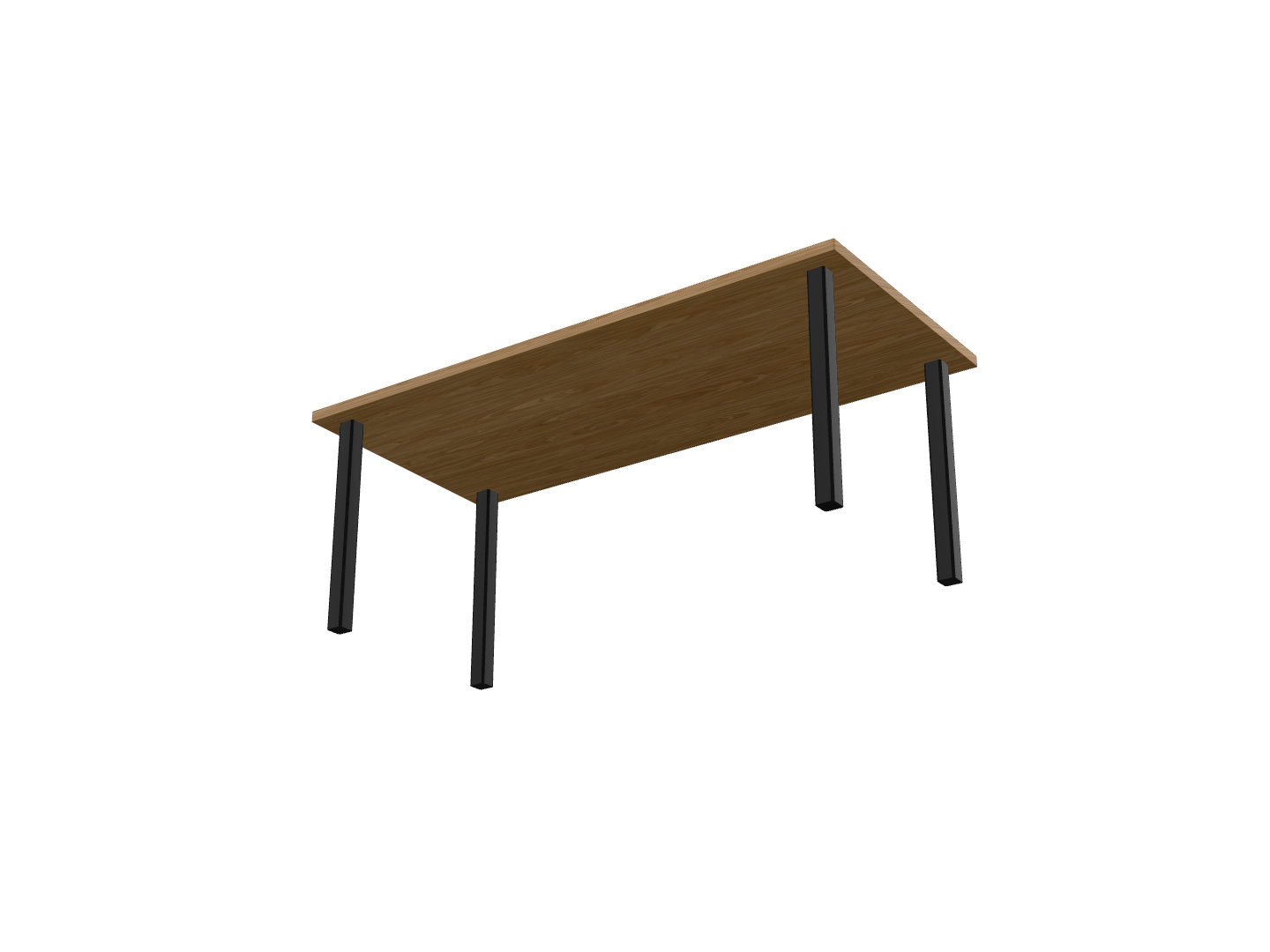 No middle support
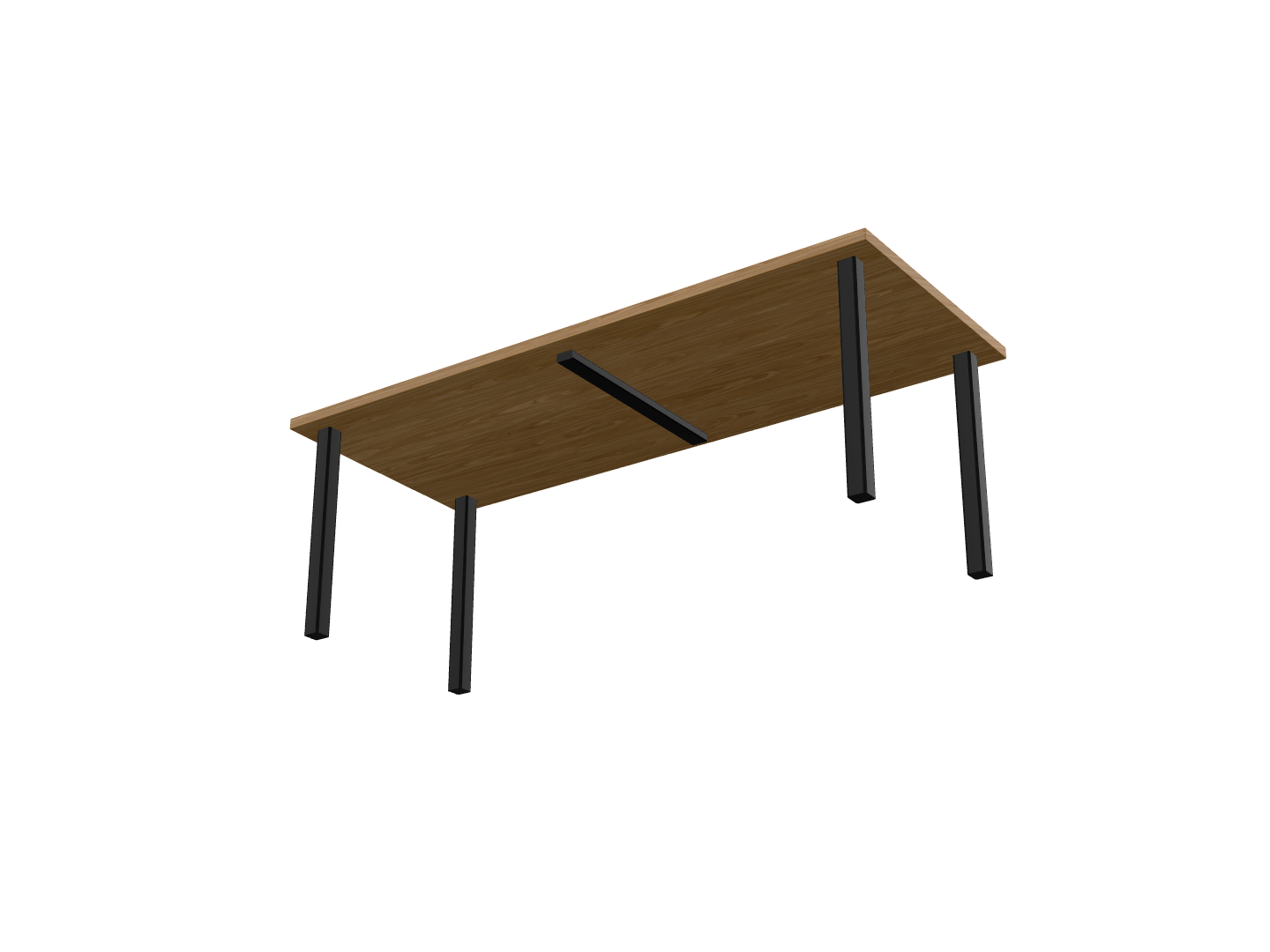 The middle support under the middle
Let an object respond to another part
Section titled “Let an object respond to another part”The middle support belongs to Noor straight legs. It does not depend on a property of the legs, but on the length of
the top: another part. You record that with Shown with.
- In step 2, choose Add shown with and pick the product, such as
Noor straight legs. - Pick what it responds to, such as
LengthofTop. - Each object starts on Always: it shows at every value. At the object, take away the values at which it does not show. The middle support keeps 220 cm and 240 cm.
- Choose Confirm and then Save. Your customer sees it after Publish.
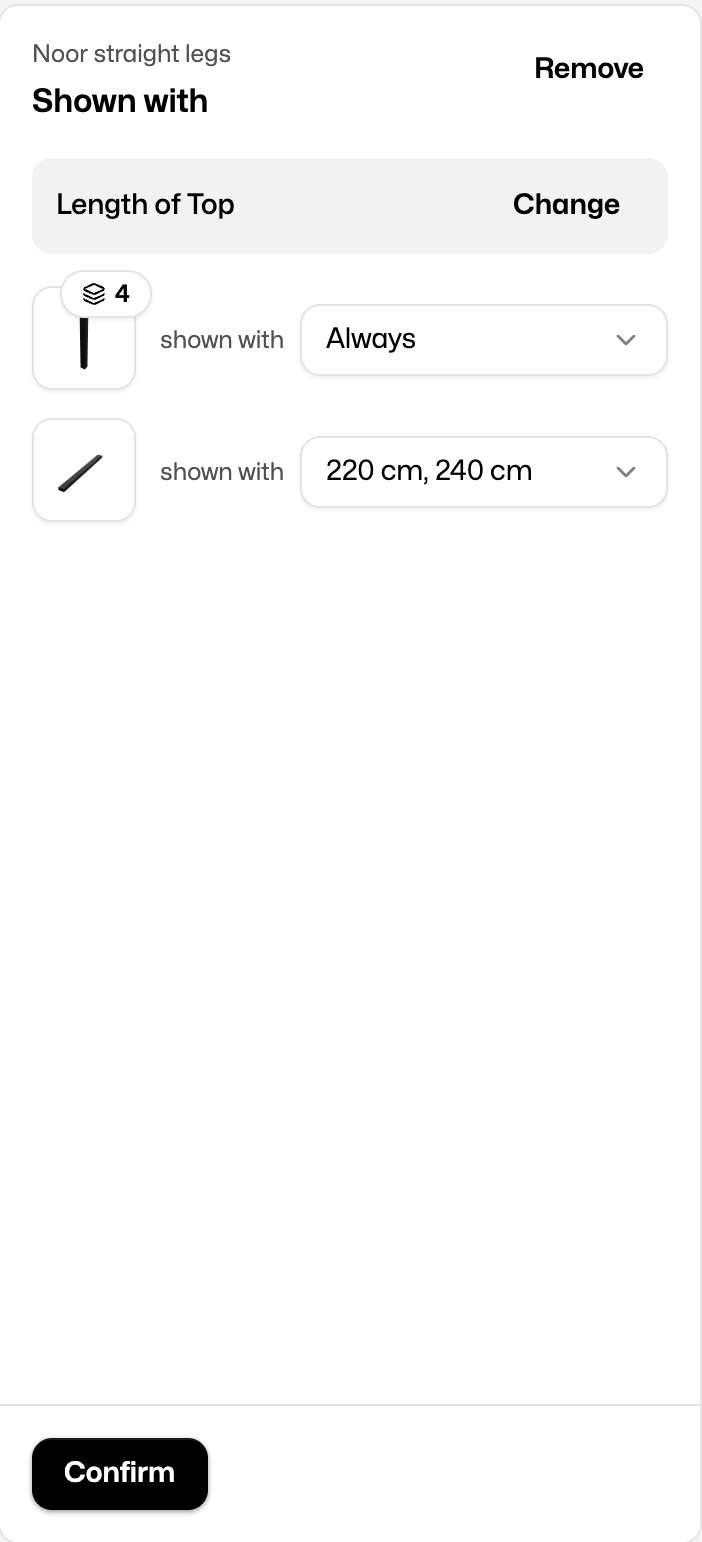
Objects that look the same and show at the same values form 1 stack. An object without values stands on its own, so you give it its own values. With the number on the stack you set them apart, so you can give 1 object other values. Show together again puts them back.
Noor angled legs has its own middle support, set up the same way. The middle support does not go on the request on its
own: it belongs to the base.
You set up Shown with at your model in Modelsopens Portal, under Set up model, step 2.