Take a product out of your 3D model
A product your customer may no longer pick, you take out of the model. Its objects stay in the 3D file. They stand under Not placed yet again, so you can give them to another product.
Take a product out of the model
Section titled “Take a product out of the model”- In step 1, open the part with the product.
- At the product, choose Move to part and then Take out of the model.
- Choose Confirm at the part and then Save. Your customer sees it after Publish.
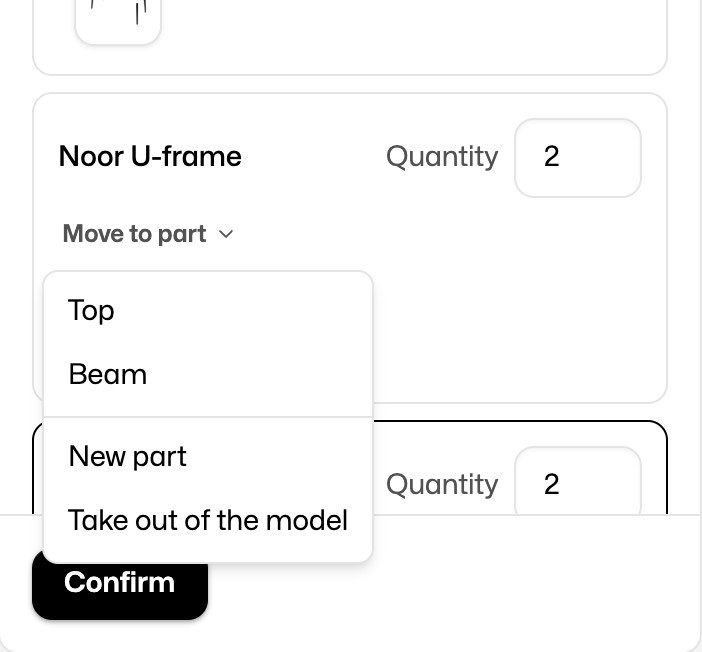
A part without a product disappears. You confirm the part the product came from again.
What your customer sees
Section titled “What your customer sees”After Publish your customer can no longer pick the product. Take Noor A-frame out, and they see 3 bases at
Base.