Start with a demo model
No GLB file of your product yet? Start with one of our demo models. It works like a model of your own: you put it on your site, view it in AR (augmented reality) and see how often it is viewed.
- Go to Modelsopens Portal.
- Choose Upload model.
- Choose Demo model.
- Choose a model.
- Choose Import …, with the model’s name in it.
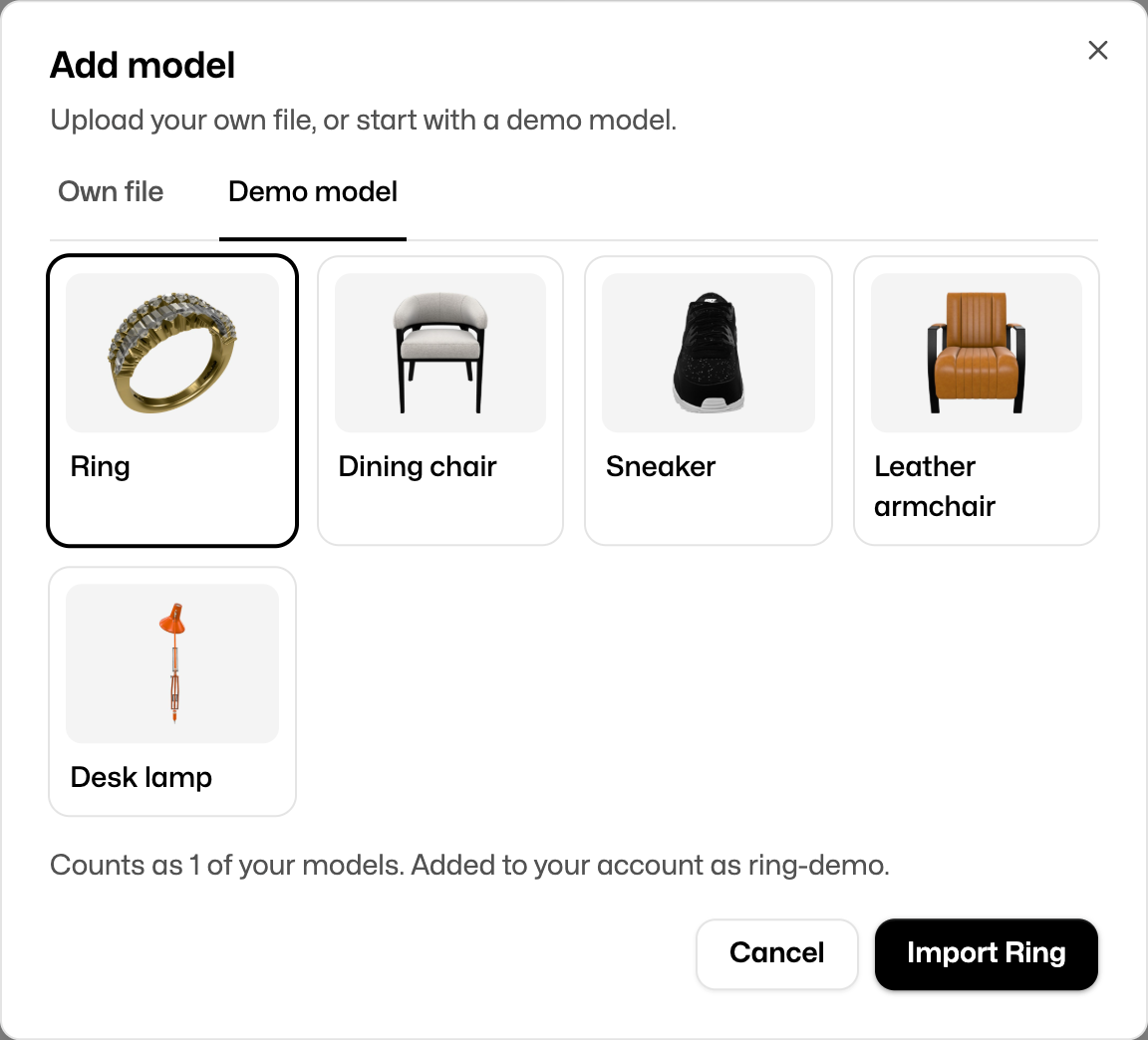
A demo model counts as 1 of your models. You can import each demo model once: if it is already in your account, Portal says so.
Your own file goes in with Upload a 3D model. You can then delete the demo model, so it no longer counts.