Set the quantity of a product
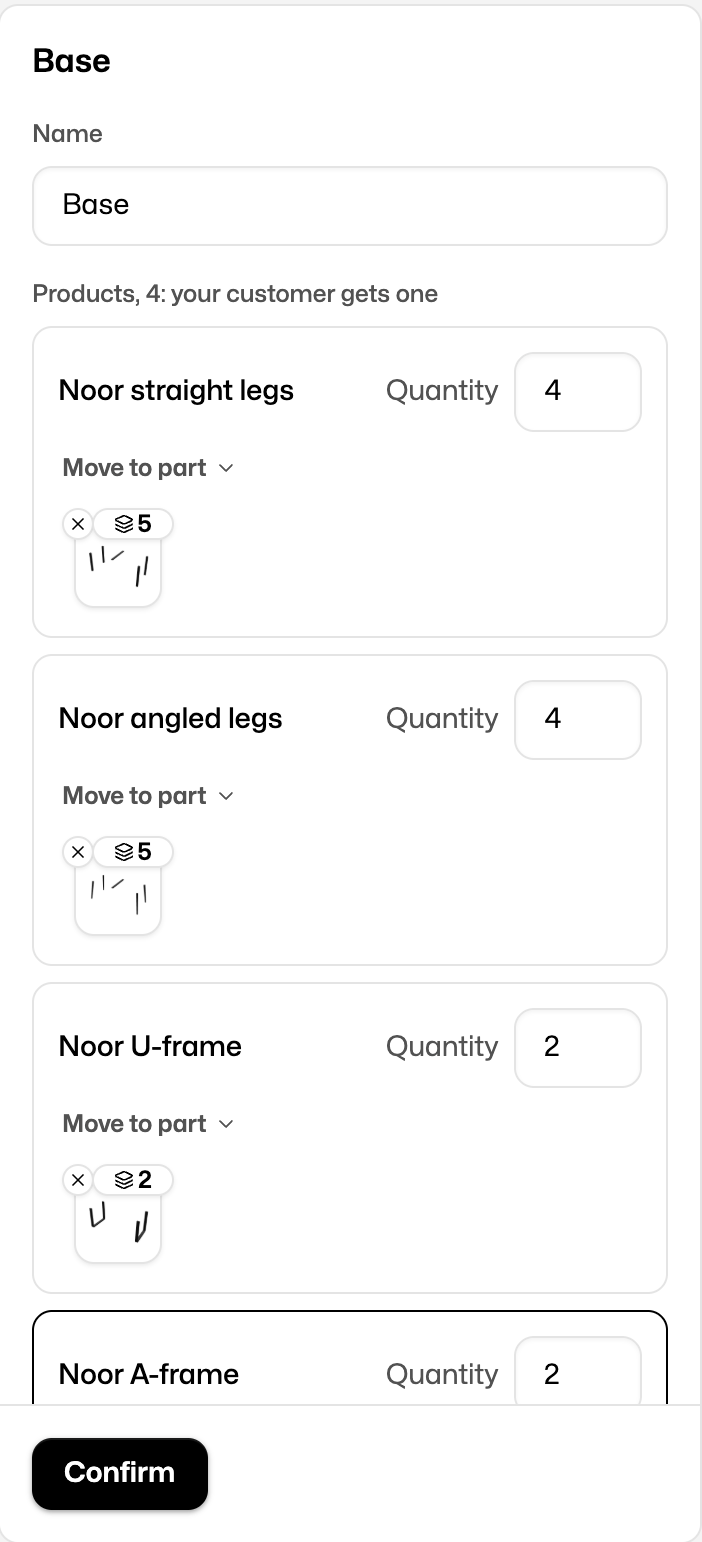
The quantity is how many times a product goes on the request. The table Noor has 4 legs. Studio Lindeman sells them as
1 product, Noor straight legs, with quantity 4.
The quantity does not count the objects in the model. Noor straight legs has 5: the 4 legs and the middle support. The
quantity only says how many go on the request.
Set the quantity
Section titled “Set the quantity”- In step 1, open the part, such as
Base. - Fill in the Quantity at the product, such as 4 at
Noor straight legs. - Choose Confirm and then Save. Your customer sees it after Publish.
On the request
Section titled “On the request”Under their choices your customer sees what goes on their request. The product with quantity 4 appears there once, with × 4 after it.
