An optional part in your 3D configurator
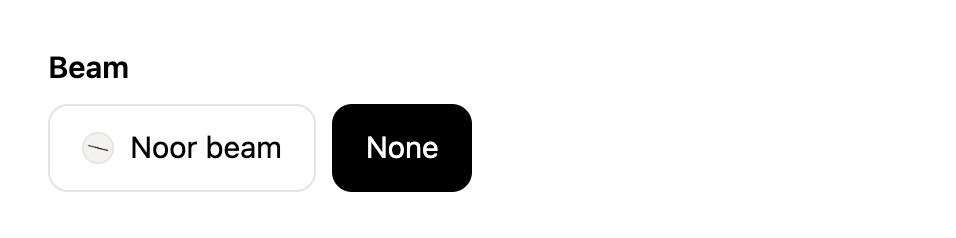
Not every table Noor gets a beam. That is why Beam is an optional part: your customer can also pick None. The model
then shows no beam and Noor beam does not go on the request.
Make a part optional
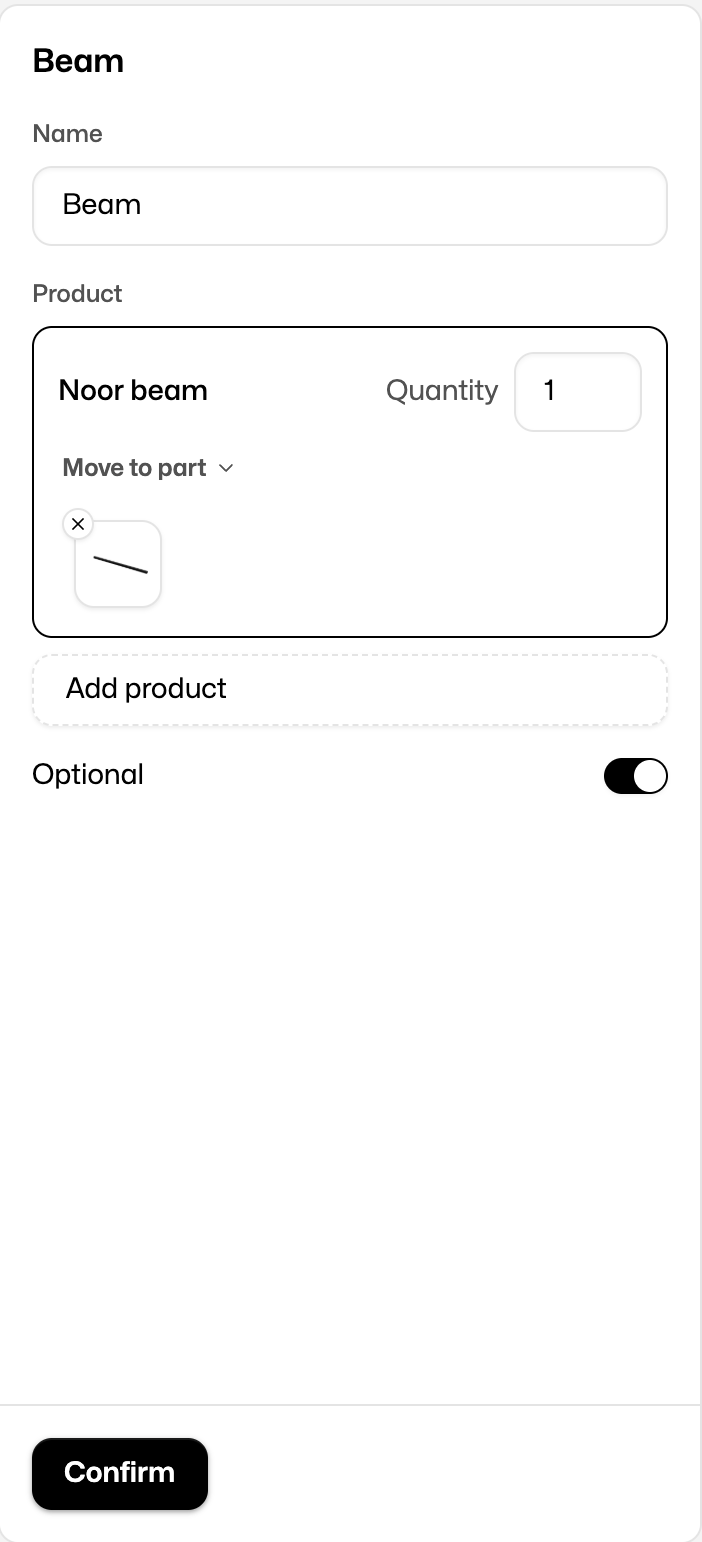
Section titled “Make a part optional”- In step 1, open the part, such as
Beam. - Switch on Optional.
- Choose Confirm and then Save. Your customer sees it after Publish.
In the configurator
Section titled “In the configurator”At Beam your customer sees the choice None beside Noor beam. On the table Noor the beam is on None when the table
opens. When a part is on None, your customer does not see that part’s other options. When they pick the part again,
their earlier choices come back.