Group values into kinds
For table Noor, your customer first chooses between wood and lacquered. Then they choose between the finishes of that
kind. Kinds make that possible. A kind is a group of values of 1 property. The top of table Noor comes in oak, walnut
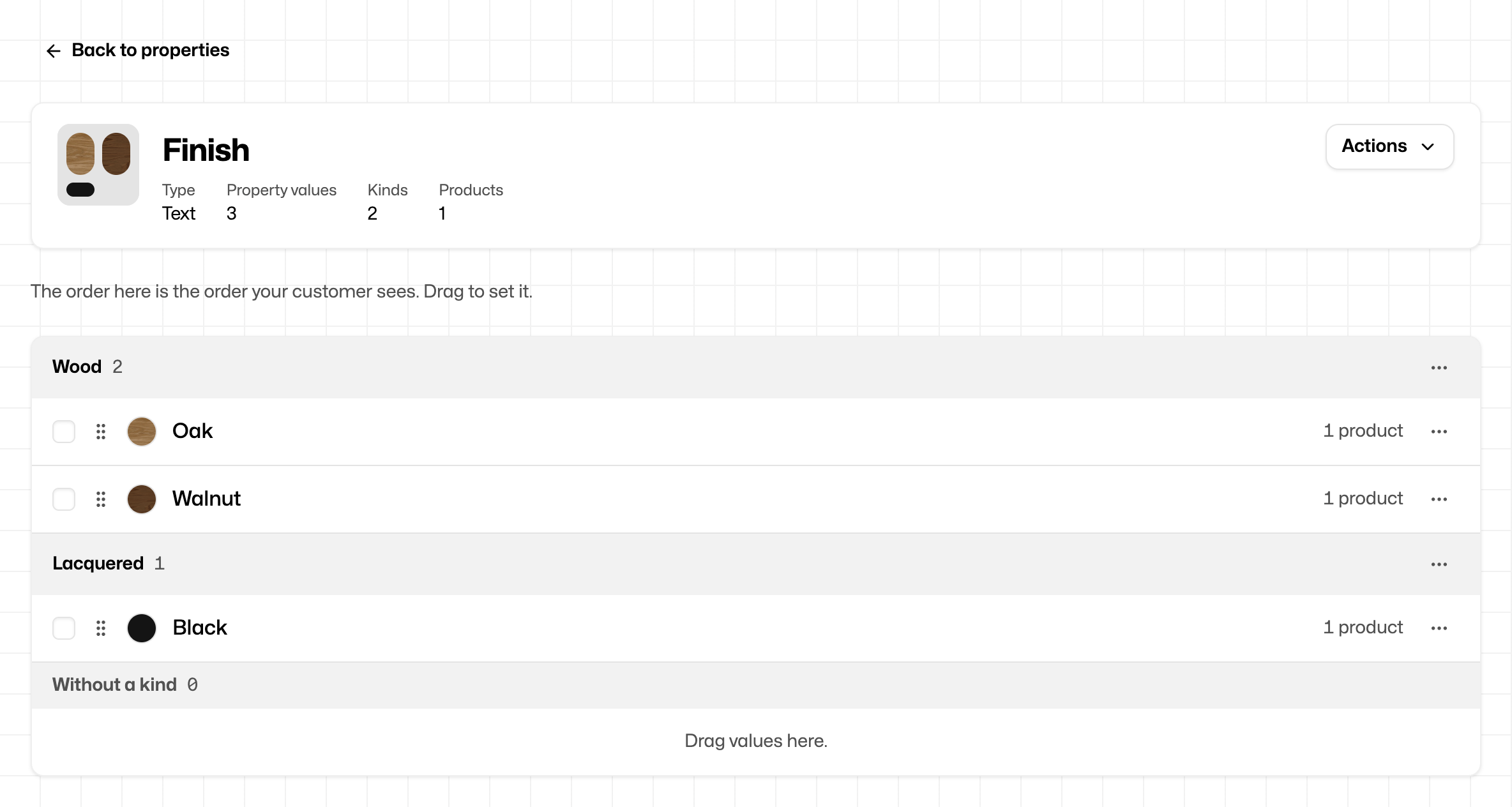
and black lacquer. Oak and walnut are wood, black is lacquered. So Studio Lindeman put the values of Finish into 2
kinds. Wood has Oak and Walnut. Lacquered has Black. A value is in at most 1 kind.
Put values into kinds
Section titled “Put values into kinds”- Go to Propertiesopens Portal and choose the property, here
Finish. - Choose Actions and then Add kind.
- Give the kind a name, such as
Wood. Then choose Save. - Drag the values that belong to it into the kind.
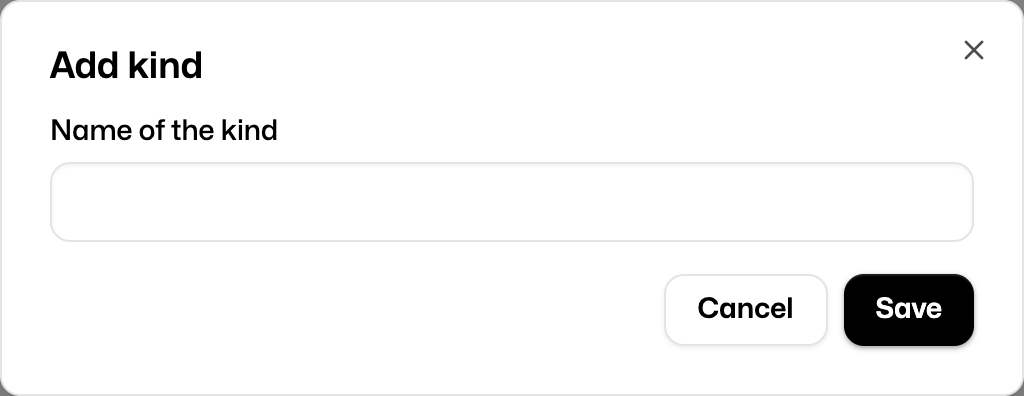
A value without a kind is under Without a kind. For a new value, you choose the kind straight away in the Add property value window.
A filter by kind
Section titled “A filter by kind”With kinds, you make a filter in a 3D model. The filter offers the kinds, with No preference beside them. Studio
Lindeman calls the filter Wood or lacquered.
Wood or lacquered: No preference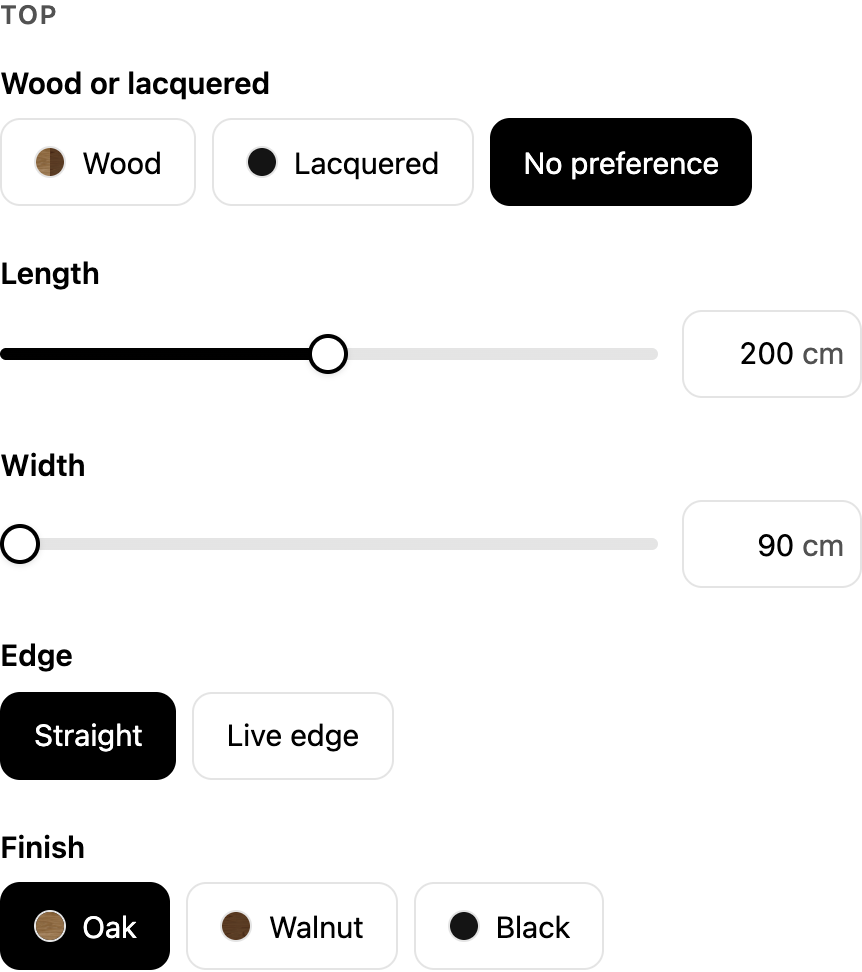 Finish: 3 values
Wood or lacquered: Wood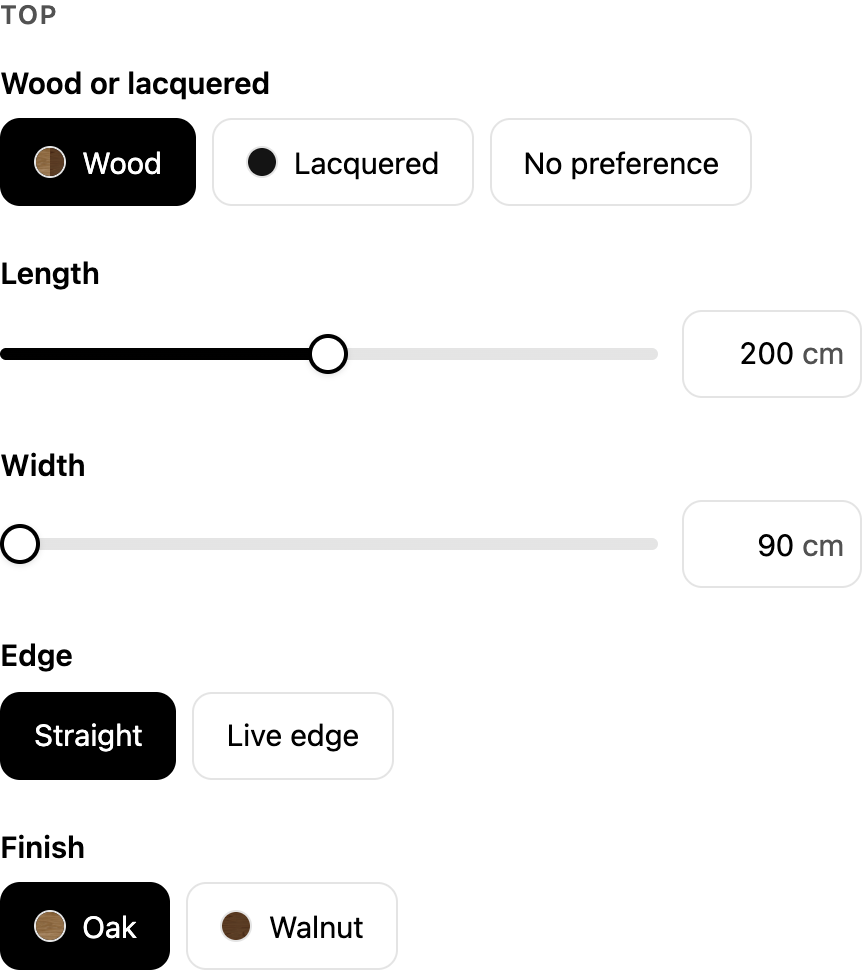 Finish: 2 values. Black drops out, because it is lacquered.