A part that follows another
The beam runs between the 2 frames. A longer top needs a longer beam. The beam has the colour of the frames. Your customer does not pick that: the beam follows the top and the base.
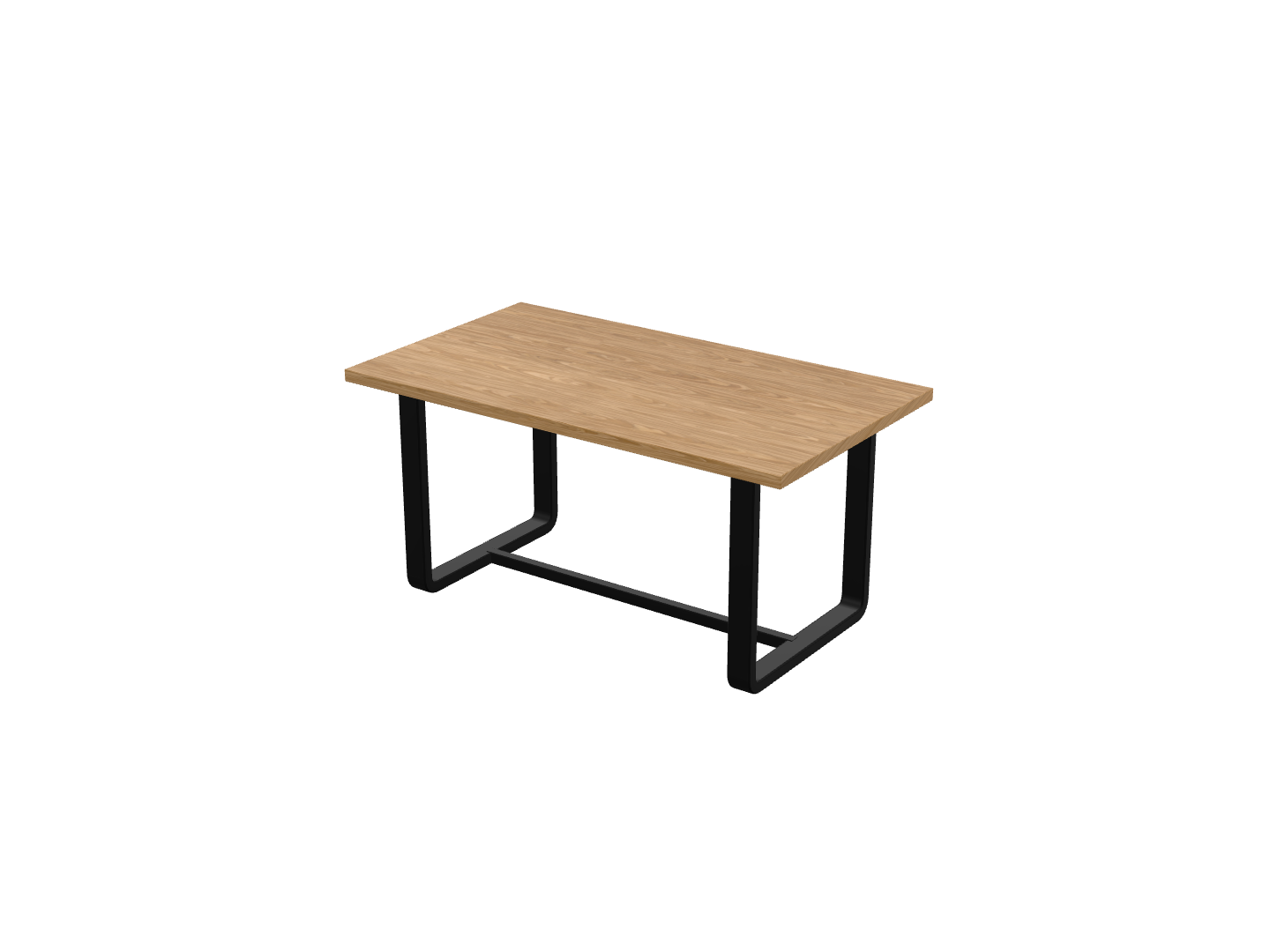 Beam of 120 cm
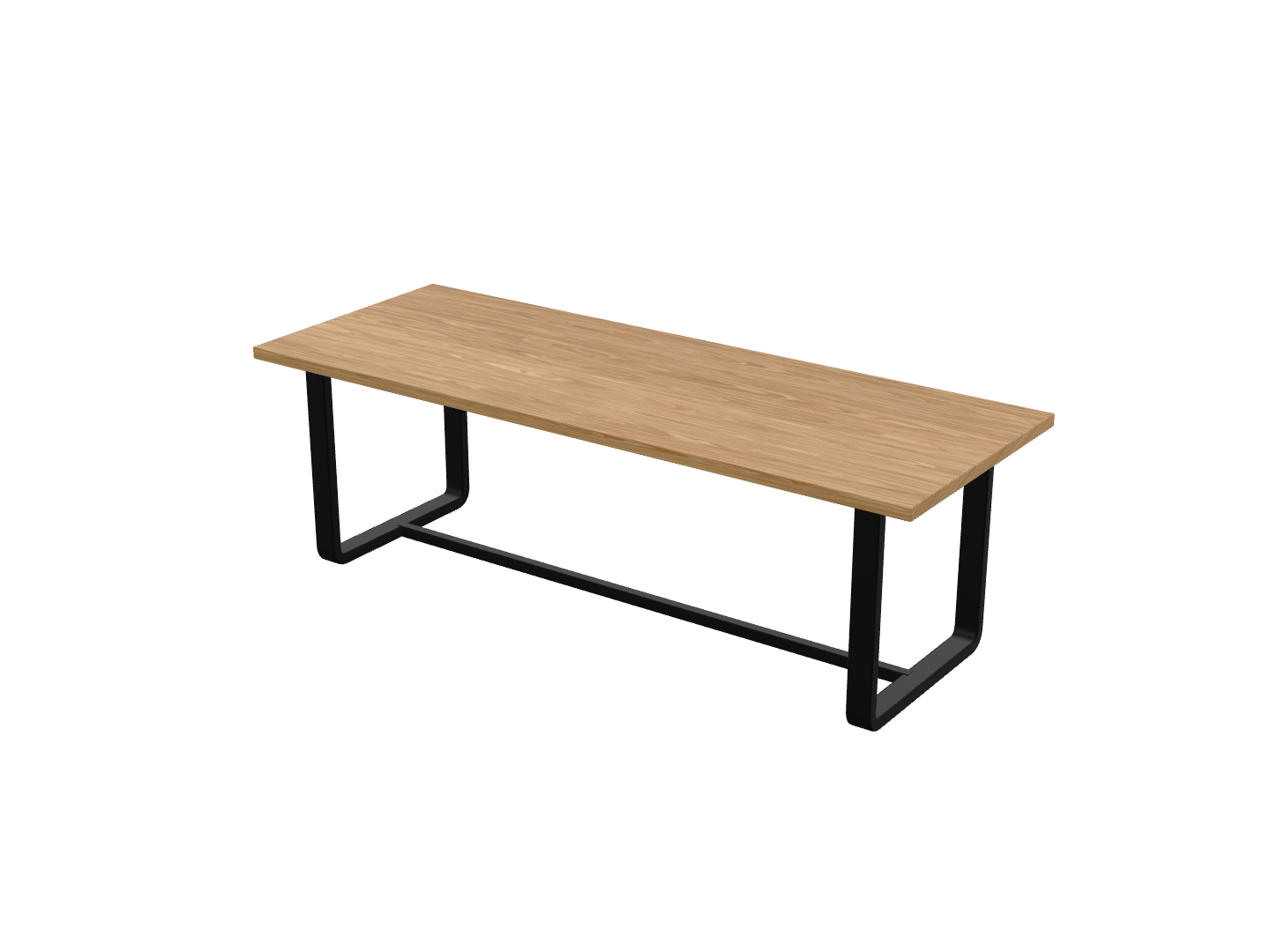 Beam of 200 cmFrames and beam black
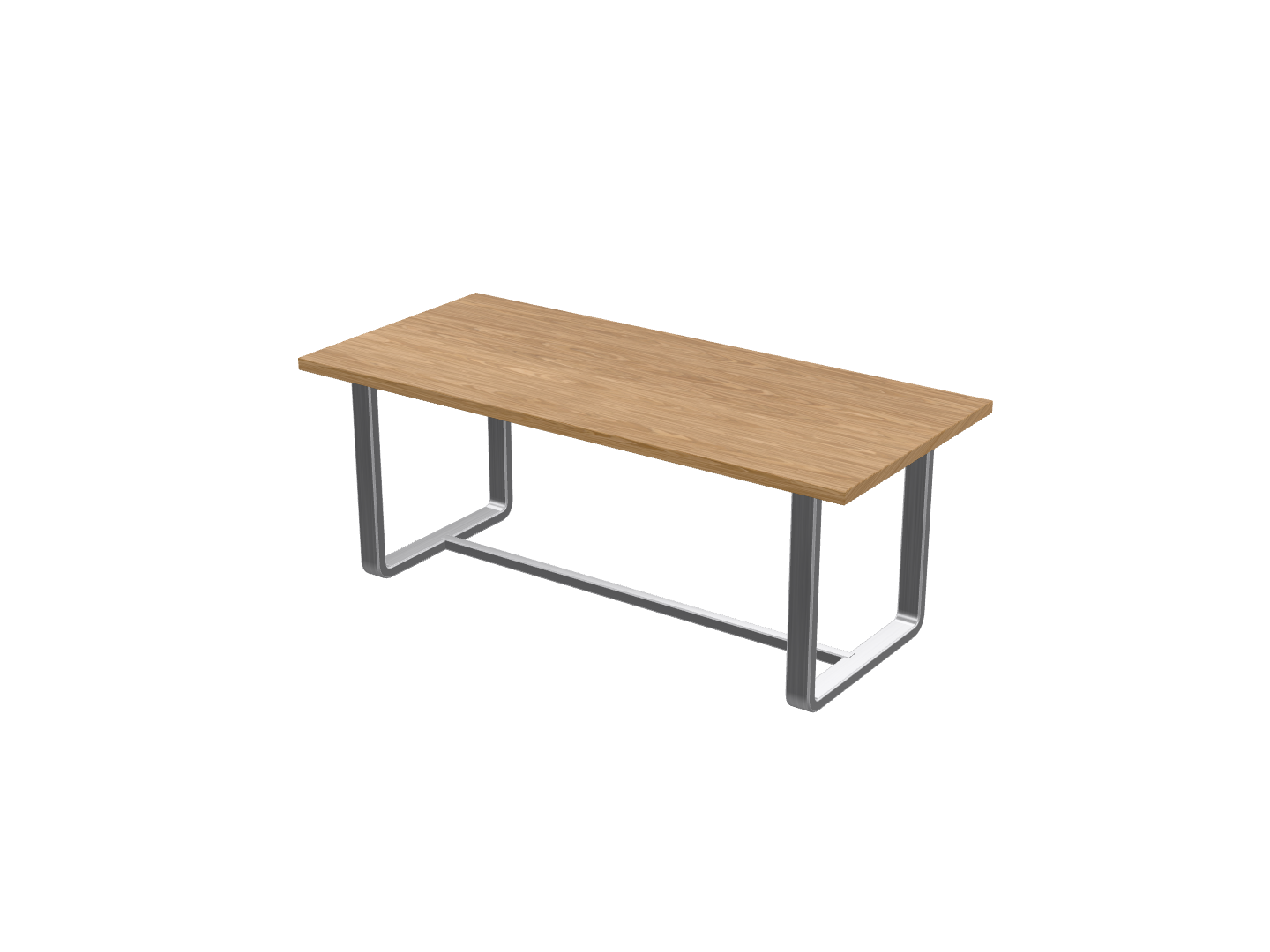 Frames and beam in stainless steel
The length of the beam
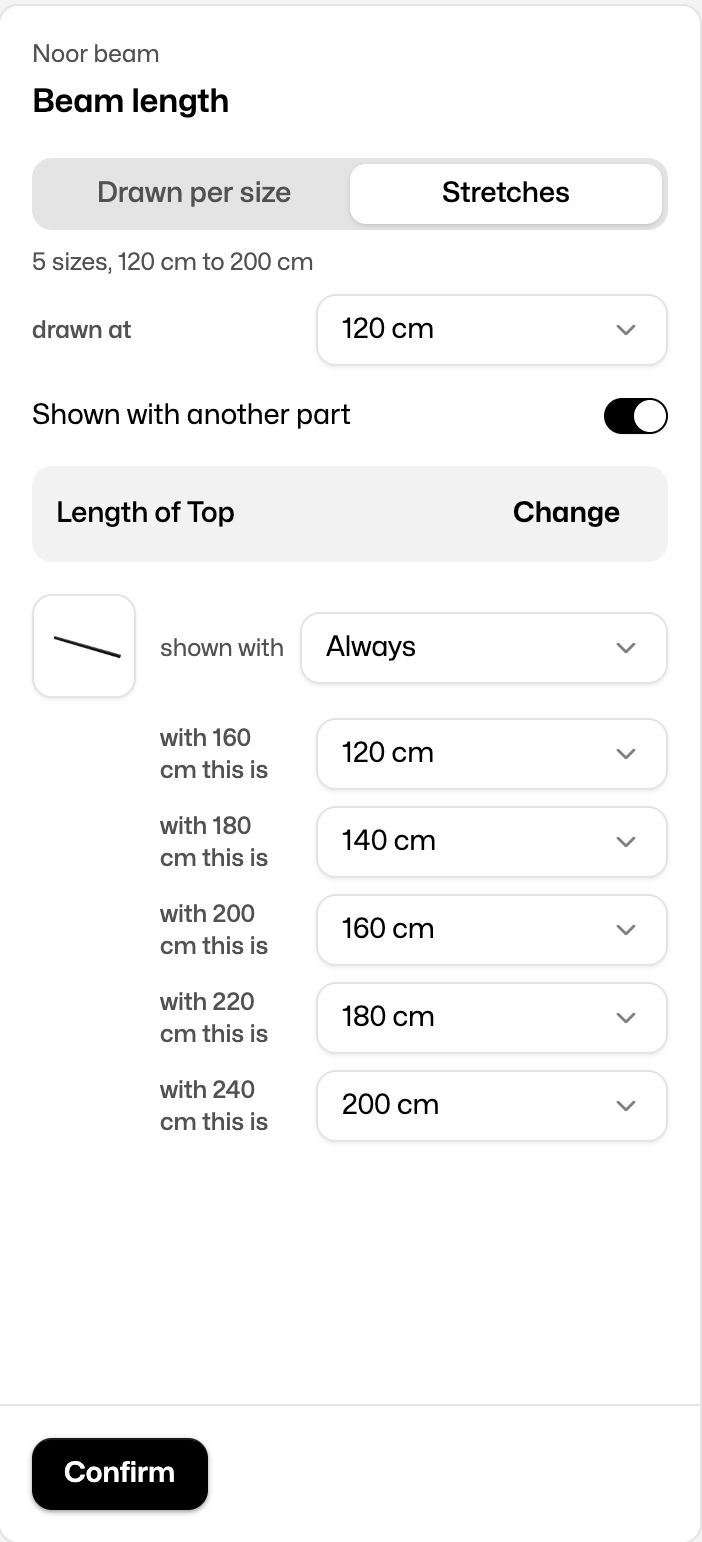
Section titled “The length of the beam”Noor beam has the property Beam length, from 120 to 200 cm. At Beam length, Shown with another part is on, with
Length of Top. Per length of the top you pick the length of the beam.
- In step 2, open the property that follows, such as
Beam lengthatNoor beam. - Switch on Shown with another part and pick the part and the property, such as
LengthofTop. - Per value of the top, pick the value of the beam: at 160 cm this is 120 cm, up to 200 cm at 240 cm.
- Choose Confirm and then Save. Your customer sees it after Publish.
The beam is drawn once in the file, at 120 cm. That is why Beam length is on Stretches, with drawn at 120 cm:
the model stretches that one beam to the length that goes with the top. When you drew an object of its own for each
length, you choose Drawn per size and put its object at each value.
The colour of the beam
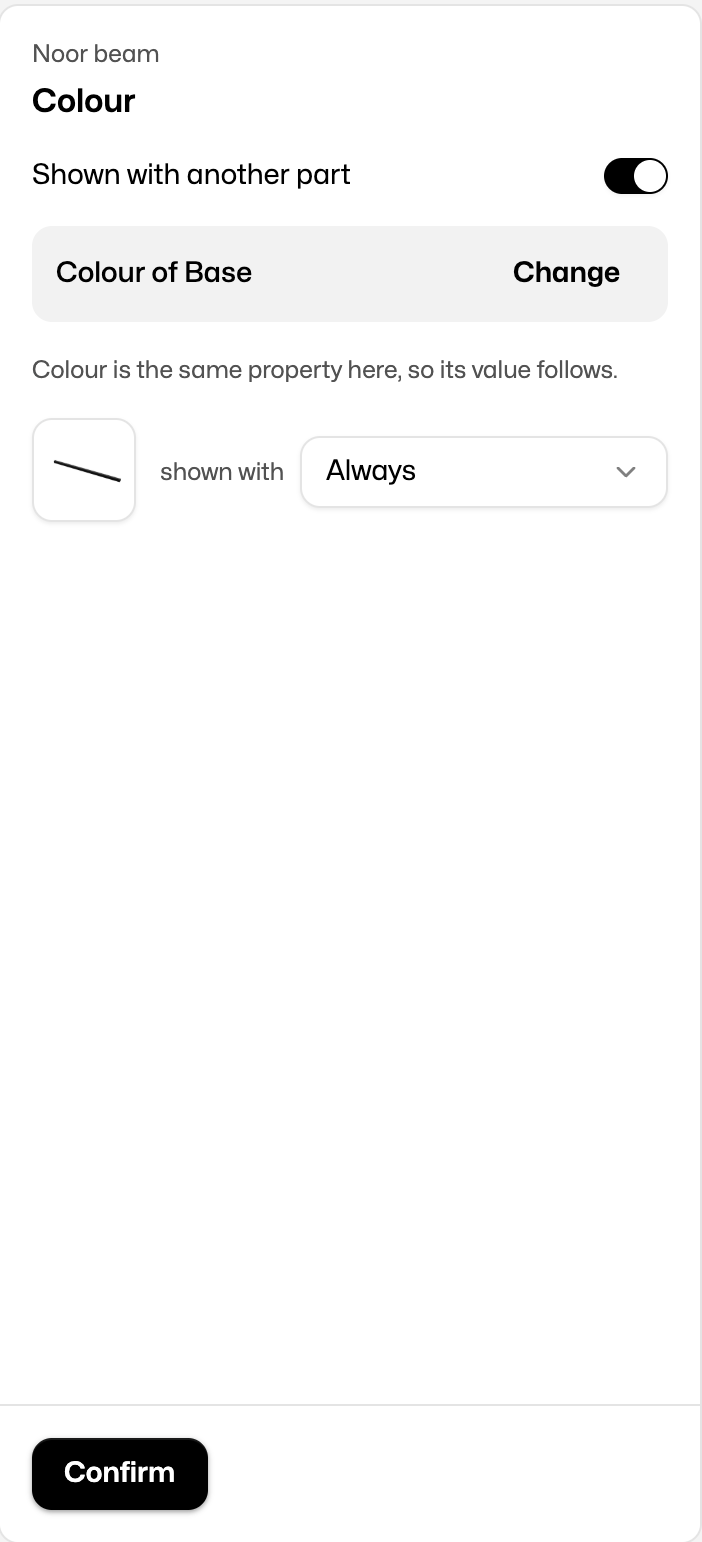
Section titled “The colour of the beam”Colour of Noor beam follows Colour of Base. It is the same property, so Portal takes the value over: a black
base gives a black beam.
Your customer gets no question about the length or the colour of the beam. The request carries the beam that goes with
their table: with a top of 240 cm on Noor U-frame in Stainless steel that is NOOR-BEAM-200-SS.