Your products for your 3D configurator
In your 3D model, your customer only chooses from your products. If a finish is not among your products, your customer cannot choose it, not even when it is in the 3D file. Your products are everything you sell, as you record it in Portal.
The example: table Noor
Section titled “The example: table Noor”This guide follows 1 shop and 1 table. Studio Lindeman makes solid wooden tables. One of them is table Noor: a top on a base, in 5 lengths, 2 widths, 2 edges and 3 finishes.
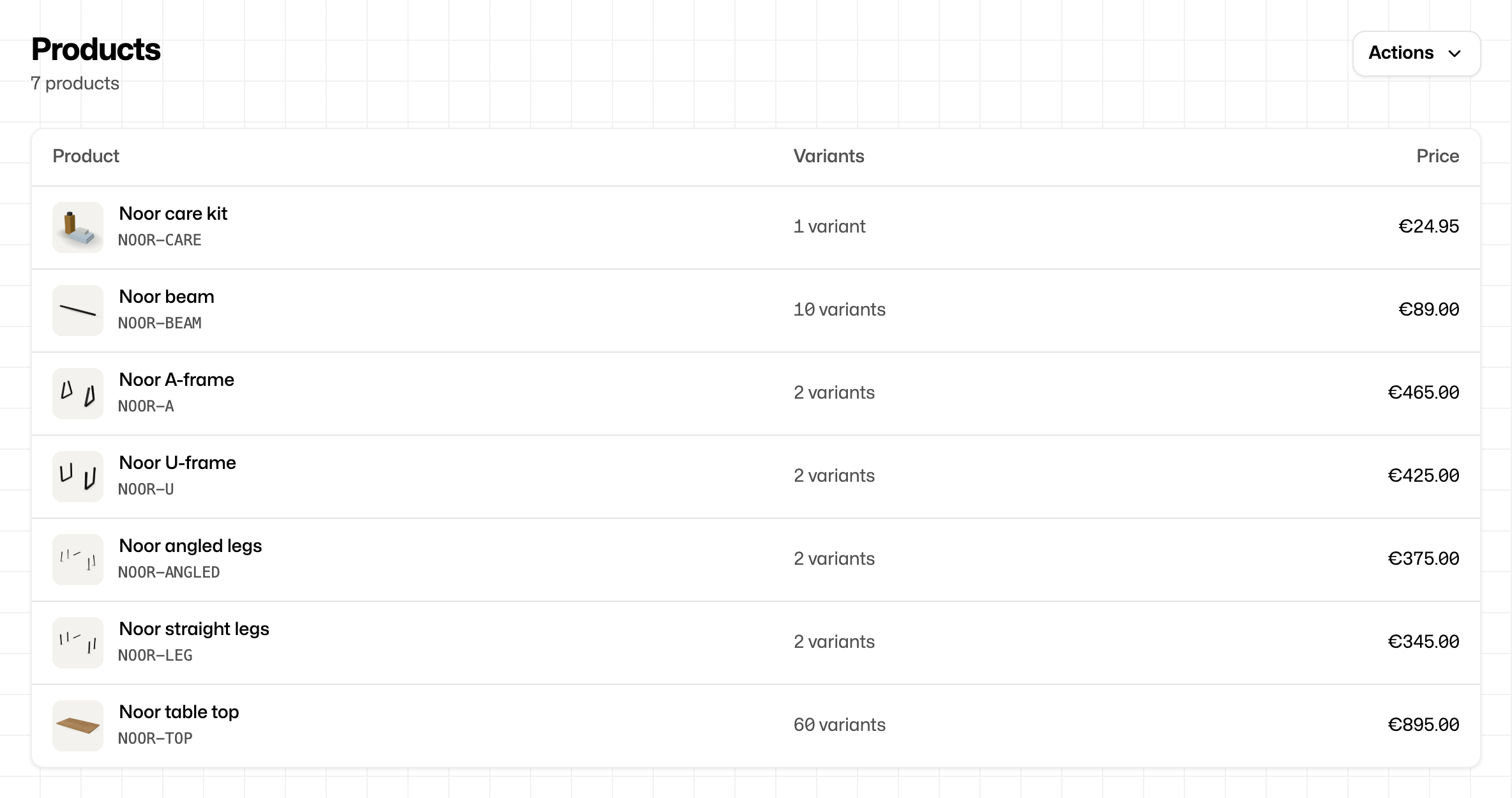
A table Noor has 3 parts: the top, the base and, if your customer wants one, a beam between the frames. Studio Lindeman sells each part as a product, 7 in all. There are 4 for the base: 2 with separate legs and 2 frames. Your customer can add the care kit.
Top
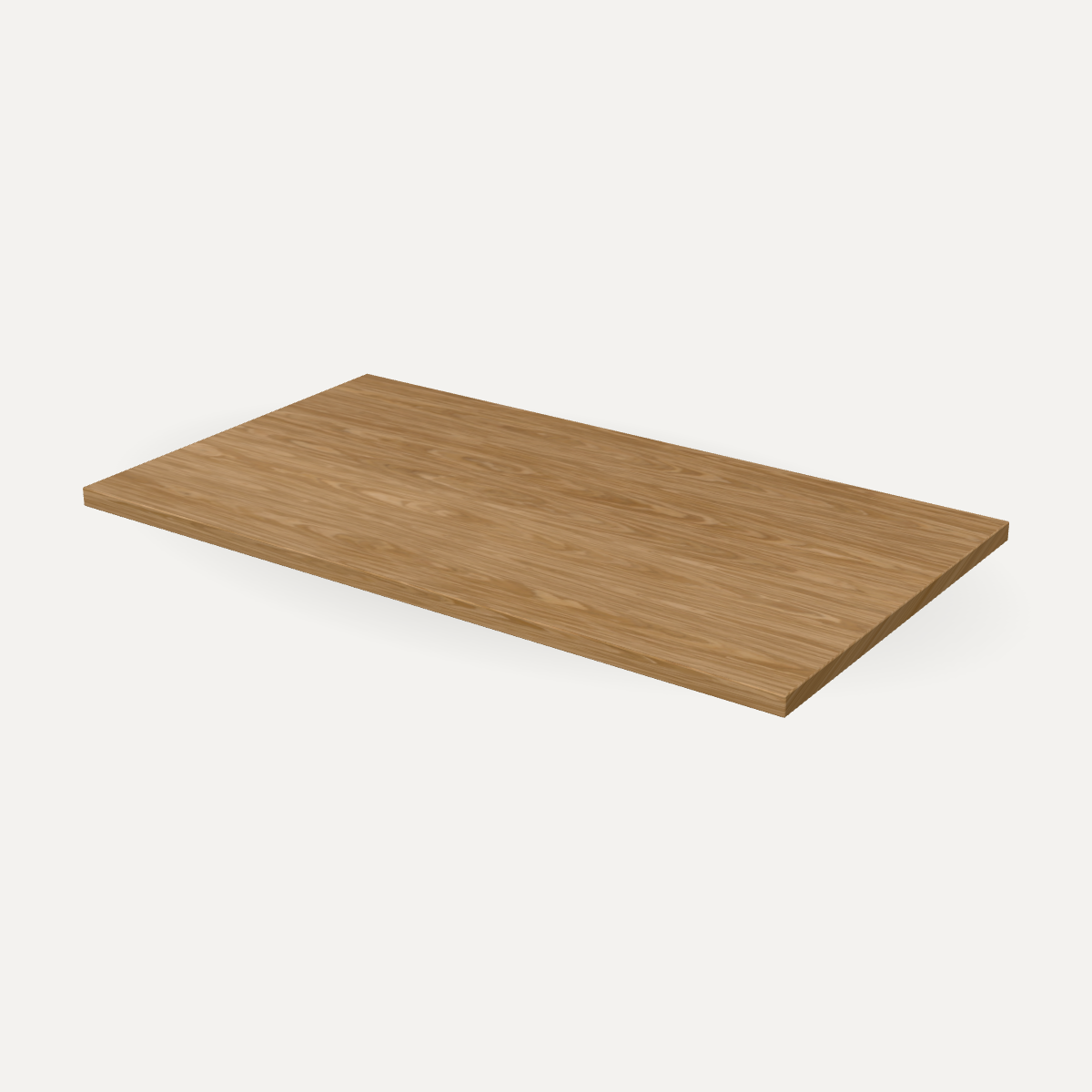 Noor table top
NOOR-TOP€895.00
Base
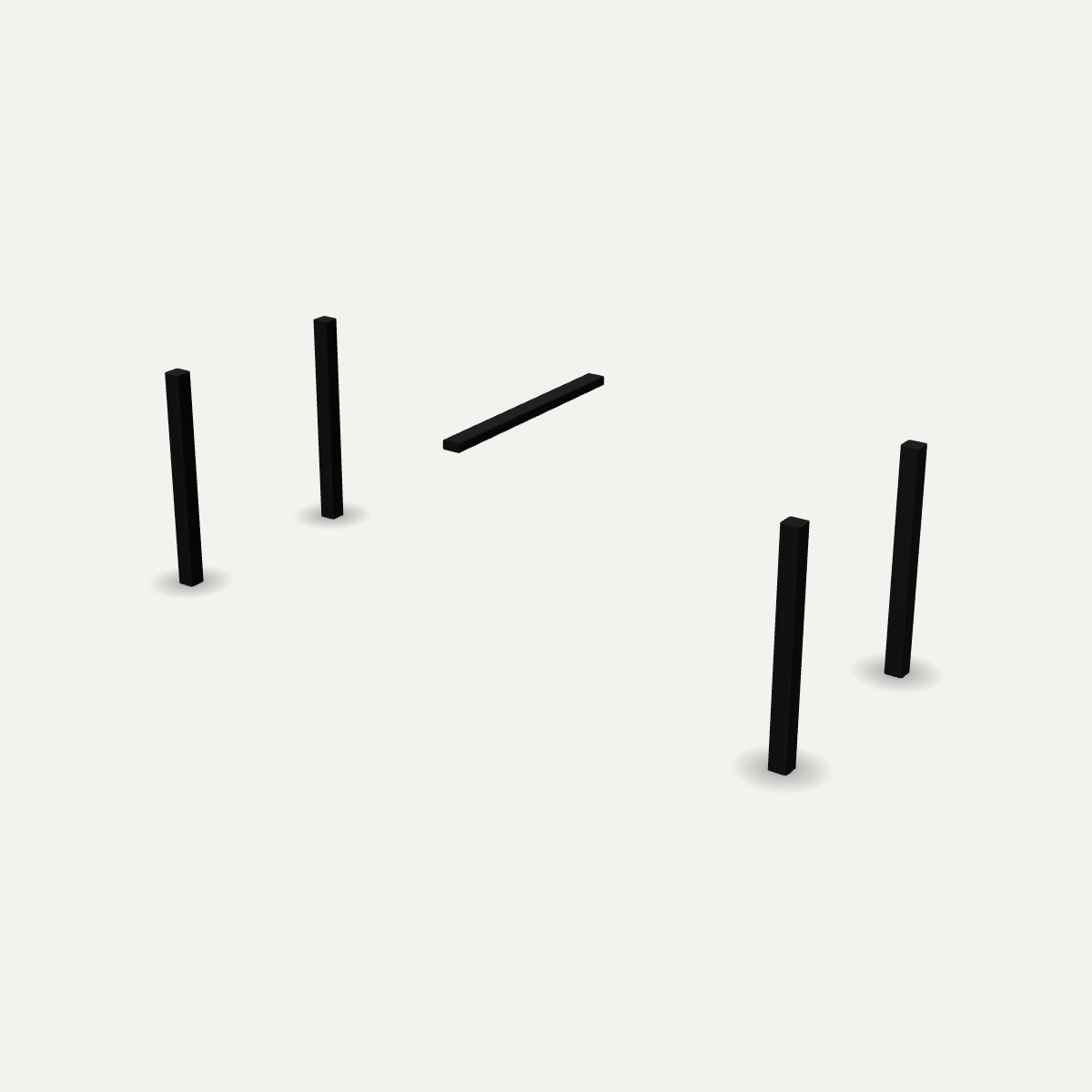 Noor straight legs
NOOR-LEG€345.00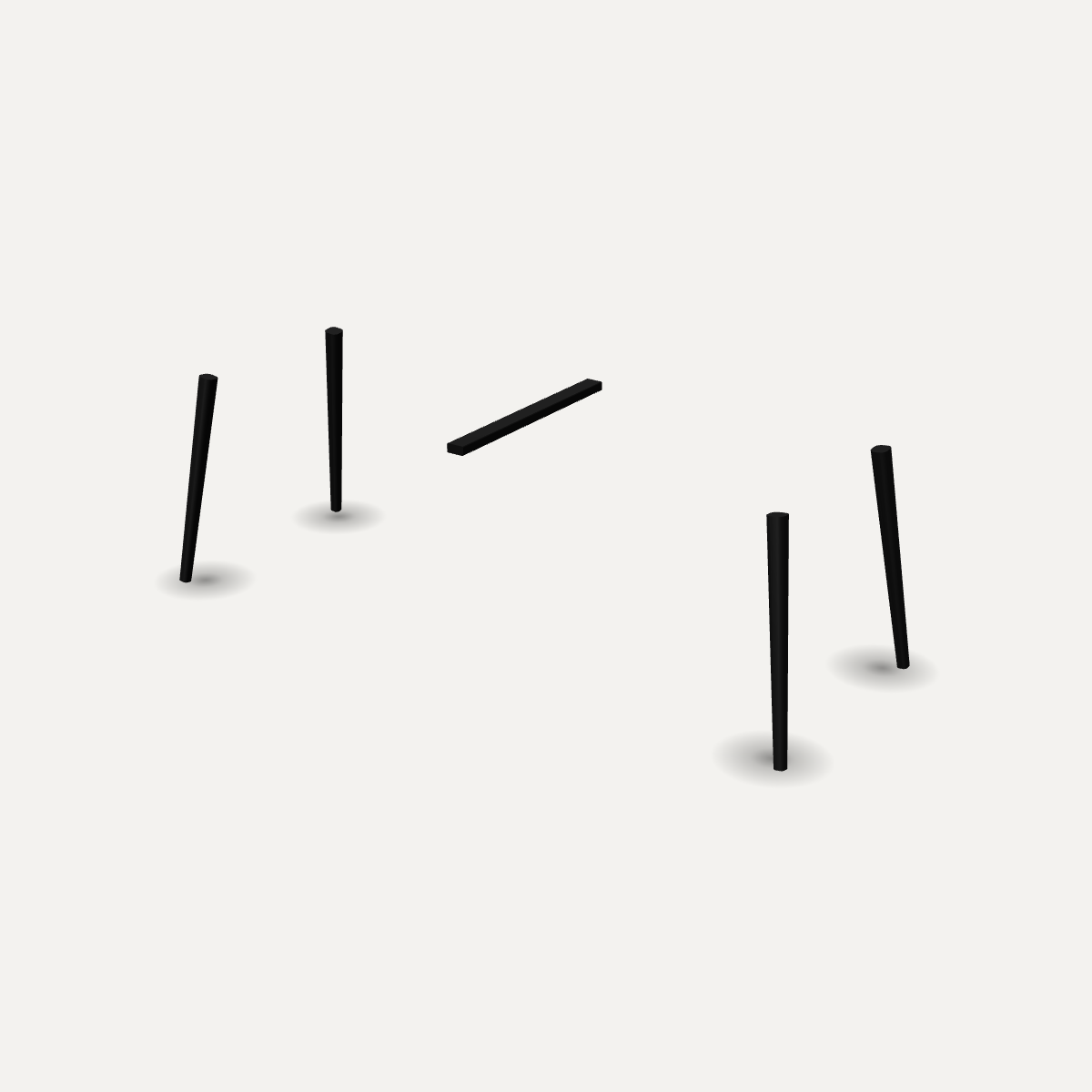 Noor angled legs
NOOR-ANGLED€375.00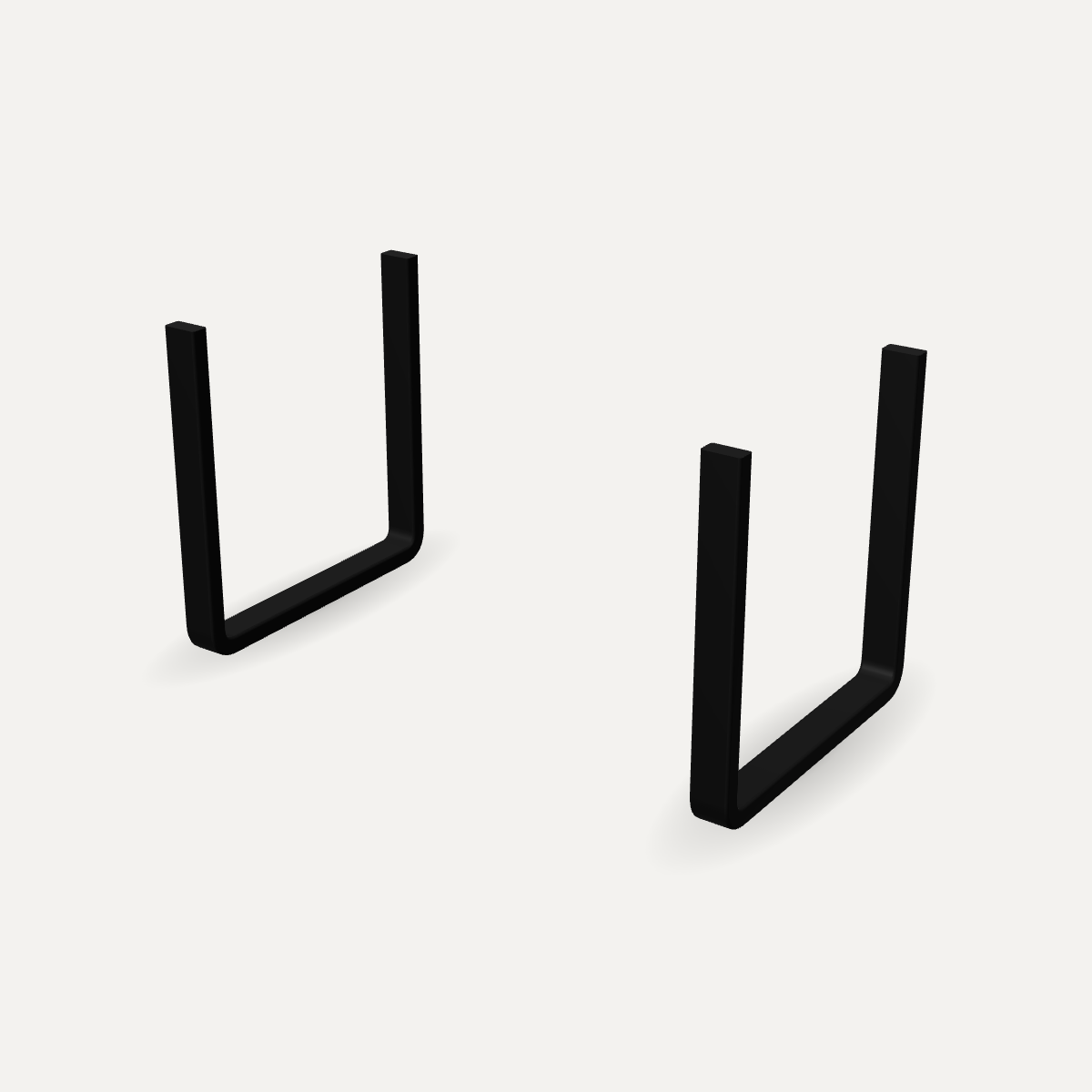 Noor U-frame
NOOR-U€425.00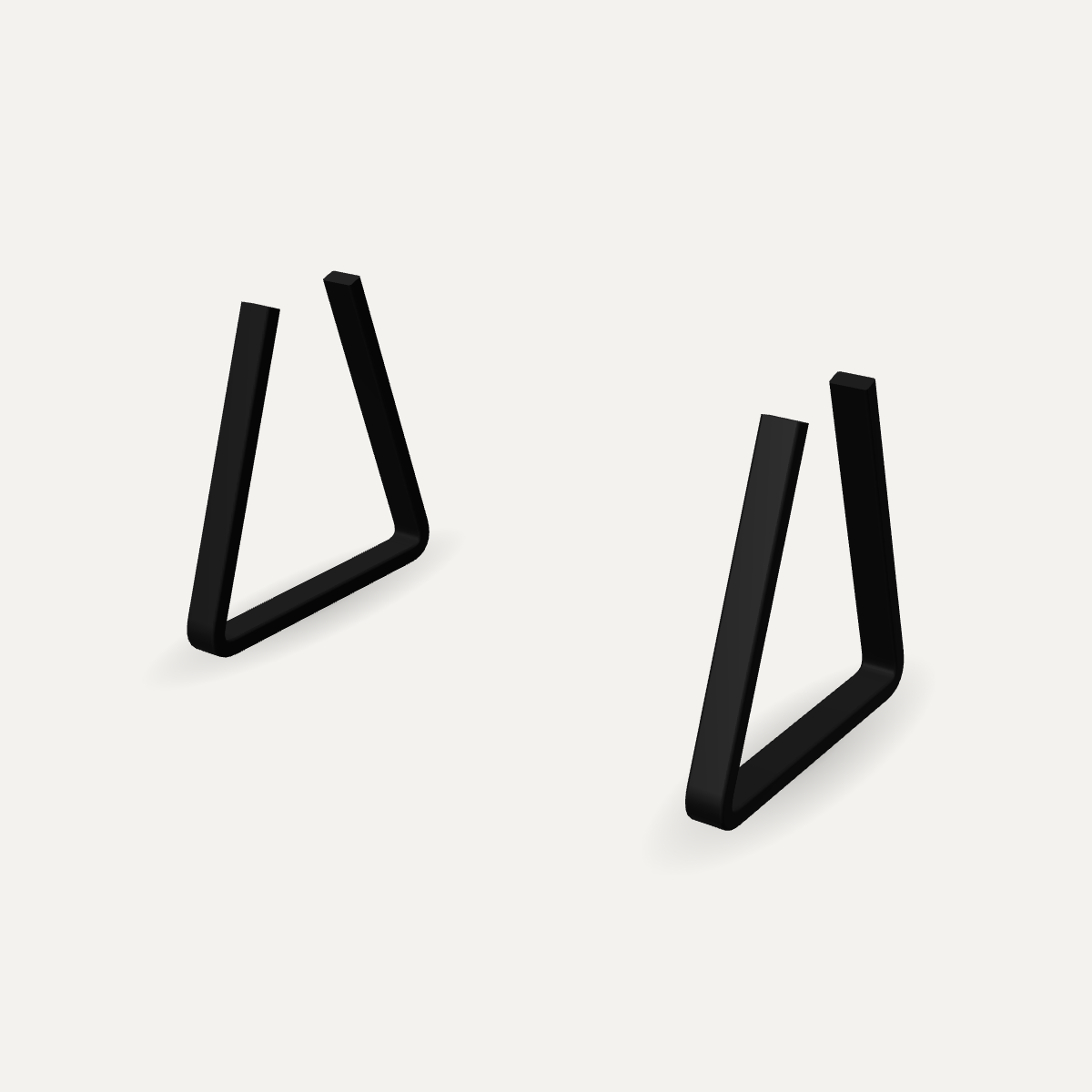 Noor A-frame
NOOR-A€465.00
Beam
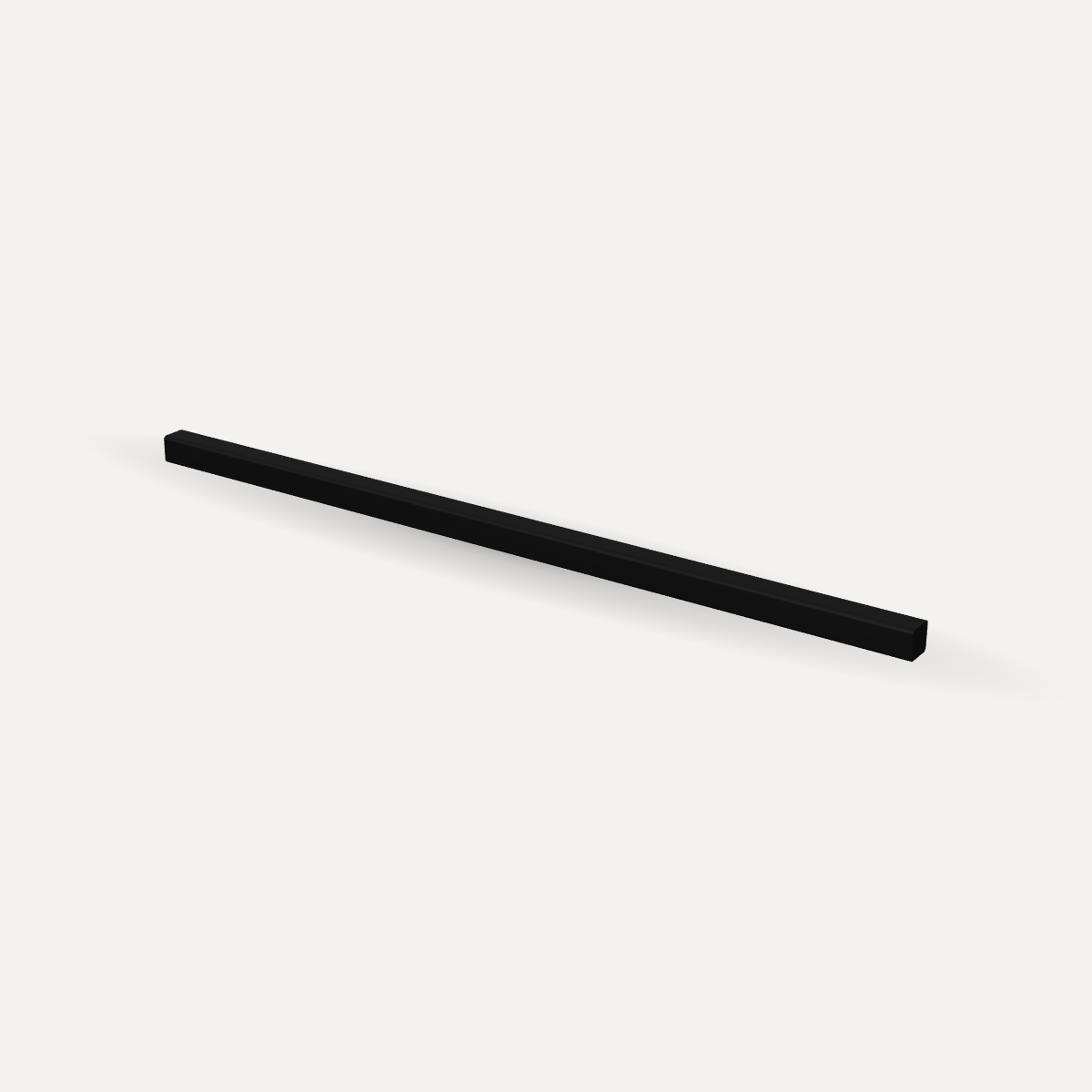 Noor beam
NOOR-BEAM€89.00
Accessories
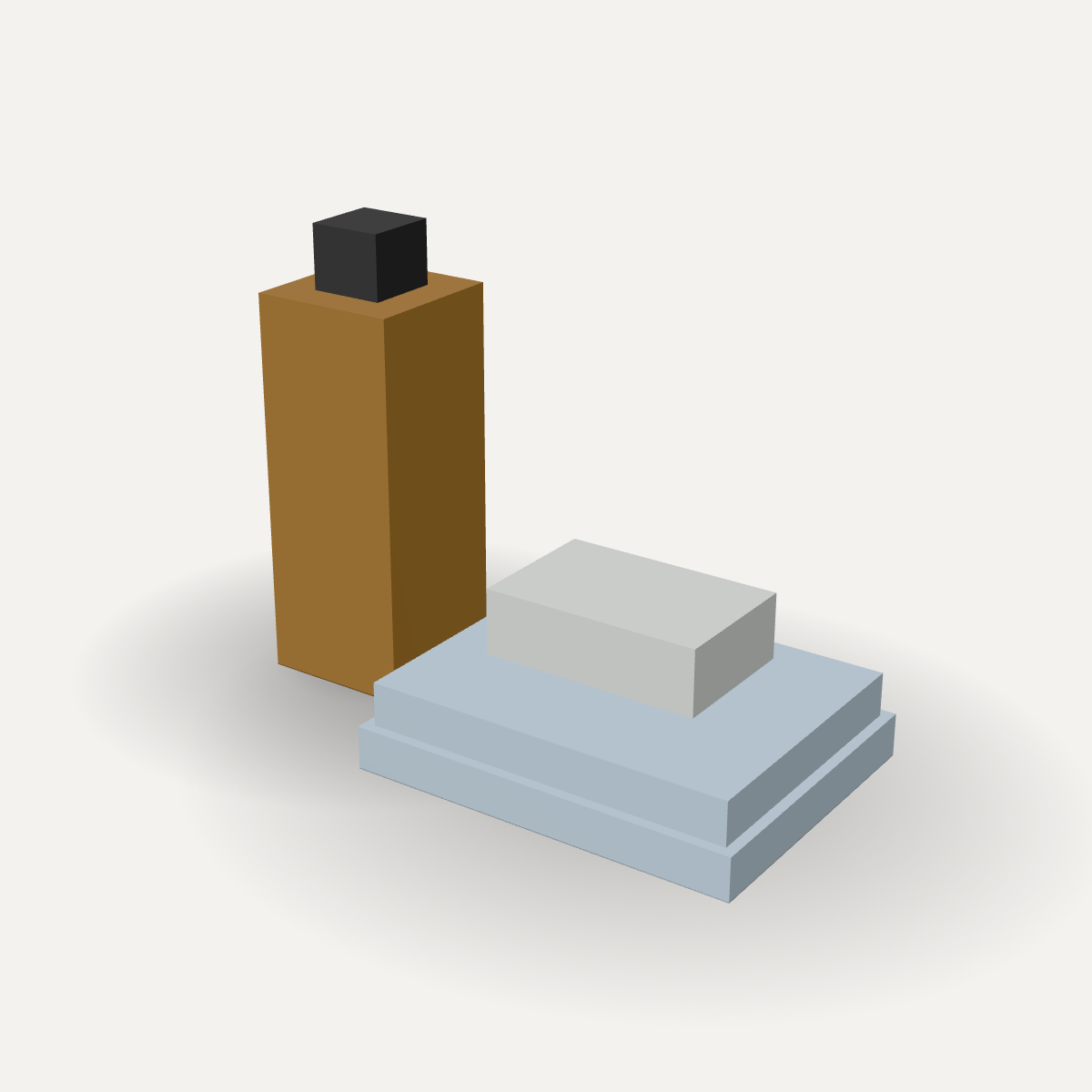 Noor care kit
NOOR-CARE€24.95
Every chapter after this one uses this table.
From products to options
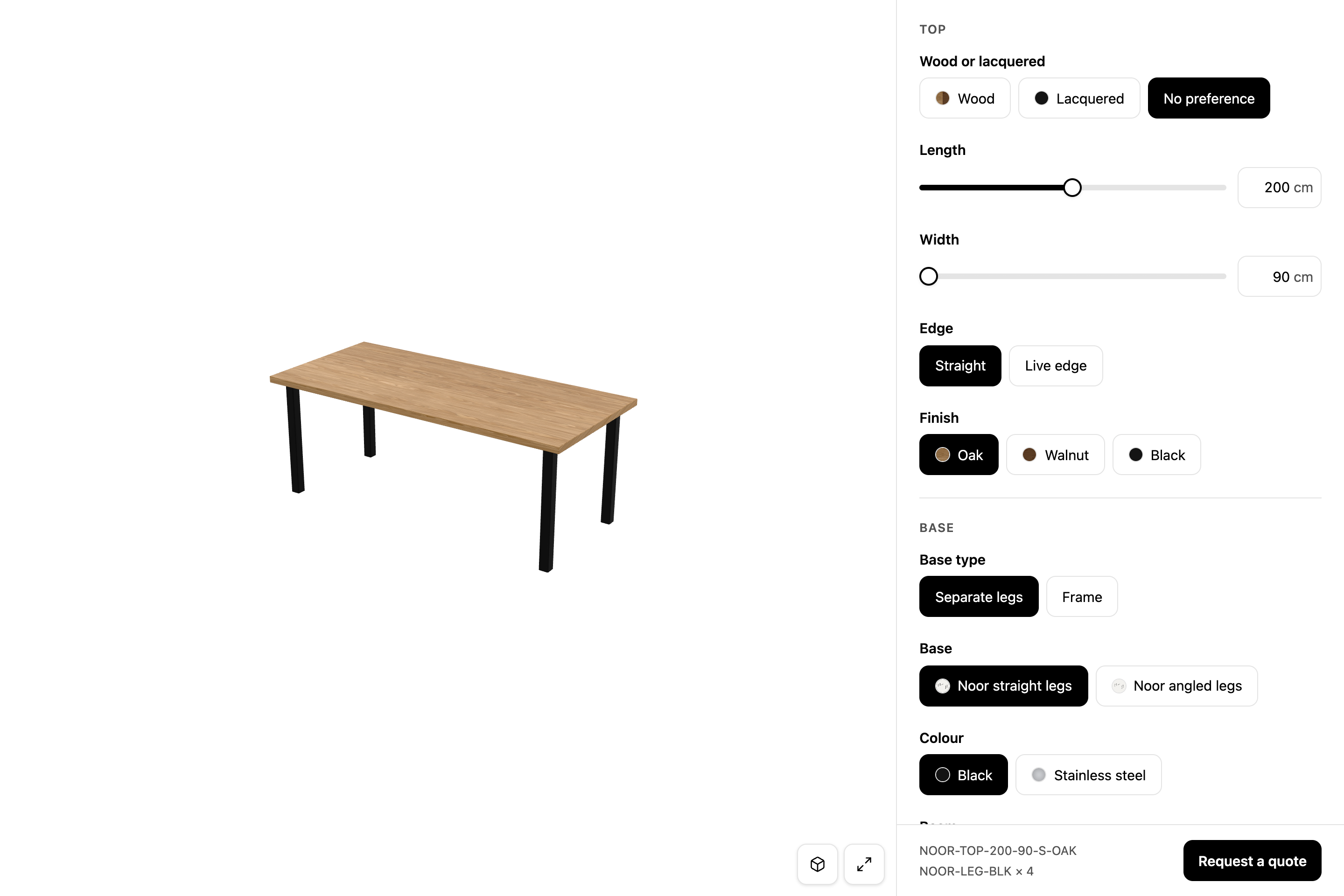
Section titled “From products to options”A table Noor is a combination of products: a top, a base, a beam if your customer wants one and the care kit if they
add it. Your customer does not choose a product from a list. The table opens on a default. For table Noor that is the
top of 200 by 90 cm with a straight edge in oak, on Noor straight legs in black.
So from the start there is 1 variant for each product. If your customer chooses another length, edge or finish, their
choice points to another variant. Those variants go on the request your customer sends, with their SKU: for the
default, NOOR-TOP-200-90-S-OAK for the top and NOOR-LEG-BLK × 4 for the legs. That tells you which items they
want.
For the base, your customer does choose a product. The 4 bases differ in no property they choose, so the table asks
which one it is. First they choose Separate legs or Frame. Then they only see the 2 bases of that
type.
What your products are made of
Section titled “What your products are made of”| What | For table Noor | Chapter |
|---|---|---|
| Product | Noor table top, 4 bases, Noor beam and Noor care kit | Products |
| Variant | NOOR-TOP-160-90-S-OAK, 1 of the top’s 60 variants |
Variants |
| Property | Length, Width, Edge, Finish, Colour, Base type and Beam length | Properties |
| Value | Straight and Live edge, the values of Edge | Values |
| Kind | Wood and Lacquered, 2 groups in the values of Finish | Kinds |
| Rule | Live edge cannot go with Noor U-frame, 1 of the 3 rules | Rules |
If your products are already in a spreadsheet, bring them in at once with Import.
In Portal
Section titled “In Portal”Your products are under Productsopens Portal. Below it you find Propertiesopens Portal and Rulesopens Portal.