Accessories in your product configurator
With the table Noor your customer can take a care kit. It is not in the 3D model. In the configurator they pick
Noor care kit or None. None is picked when the table opens.
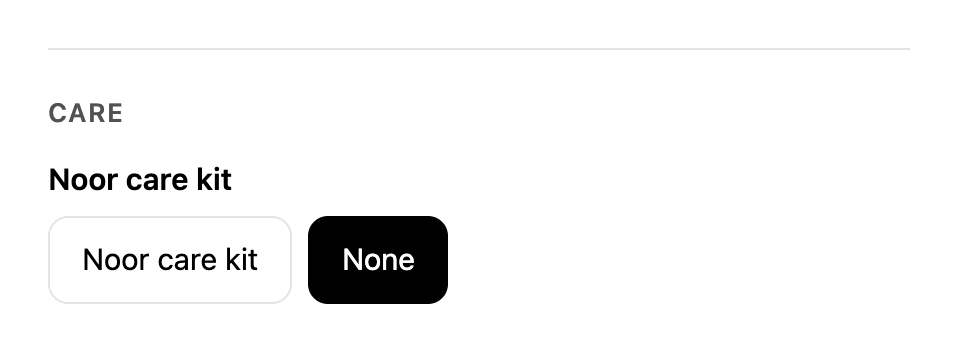
An accessory is a product you sell with no object in the model. It is an order line of its own: when your customer picks the care kit, it goes on the request as a line of its own.
Add an accessory
Section titled “Add an accessory”- In step 5, choose Accessories and then Add accessory.
- Pick the product, such as
Noor care kit. - Choose Confirm and then Save. Your customer sees it after Publish.
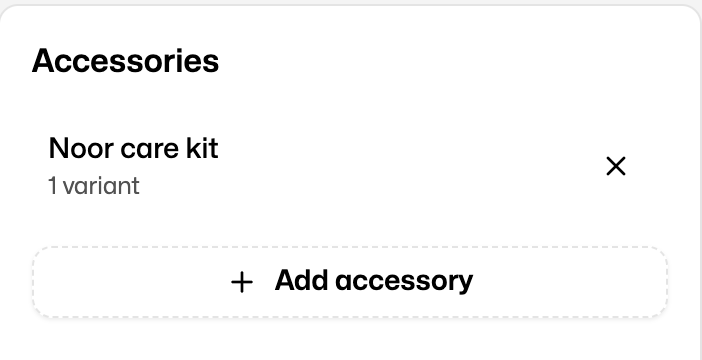
With the cross you take an accessory away again. Which group it is in, you pick under Groups.