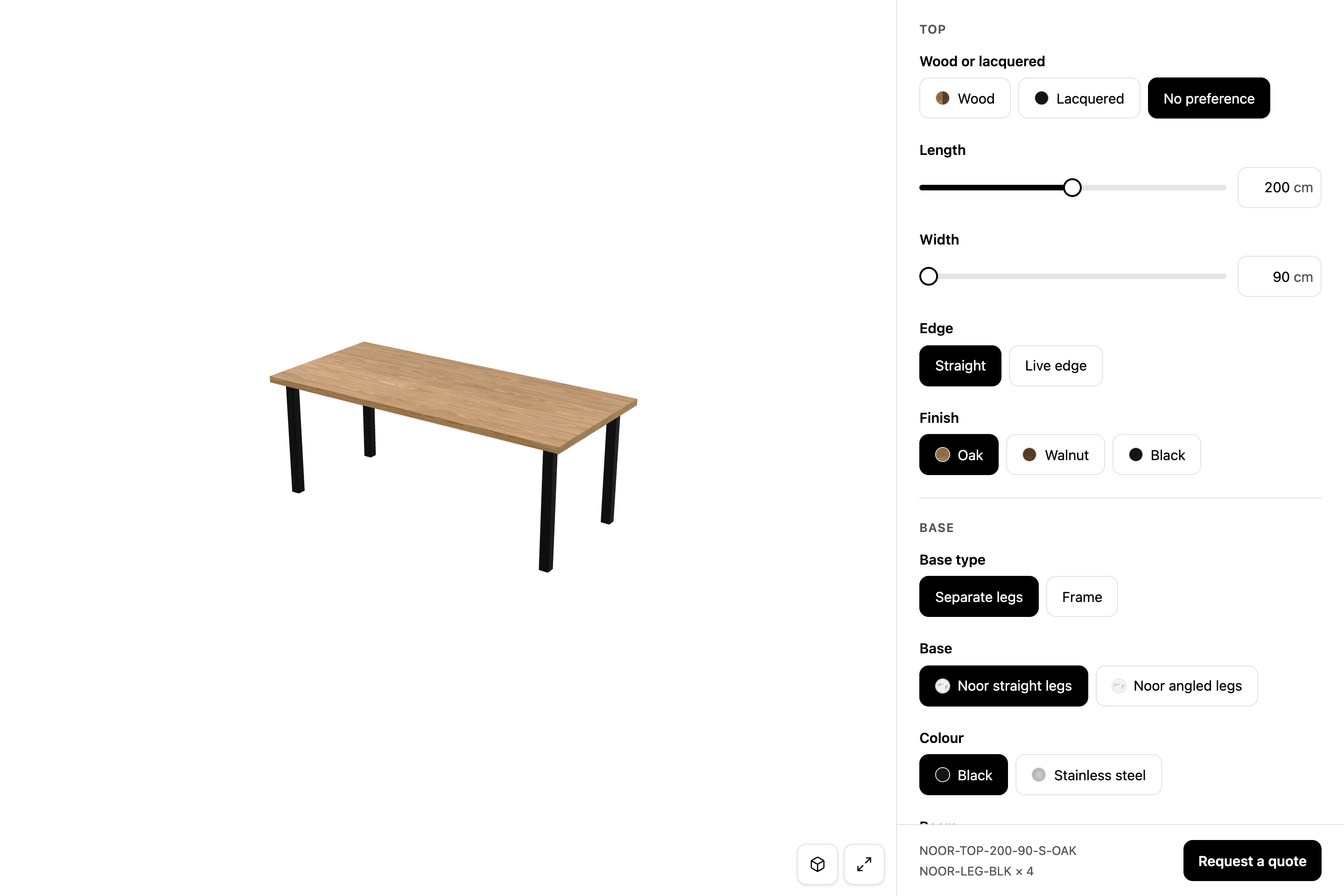
What your customer picks in the configurator, and in which order, you record in step 5 of Set up model, Options.
The options of the table Noor, in their groups. Wood or lacquered and Base type are filters.
Portal makes the options themselves from your products. When a product of a part varies in a property, that property
becomes an option. When a part has more products, the configurator asks which product it is. In step 5 you add filters
and accessories to that. You name the options and put them in groups.
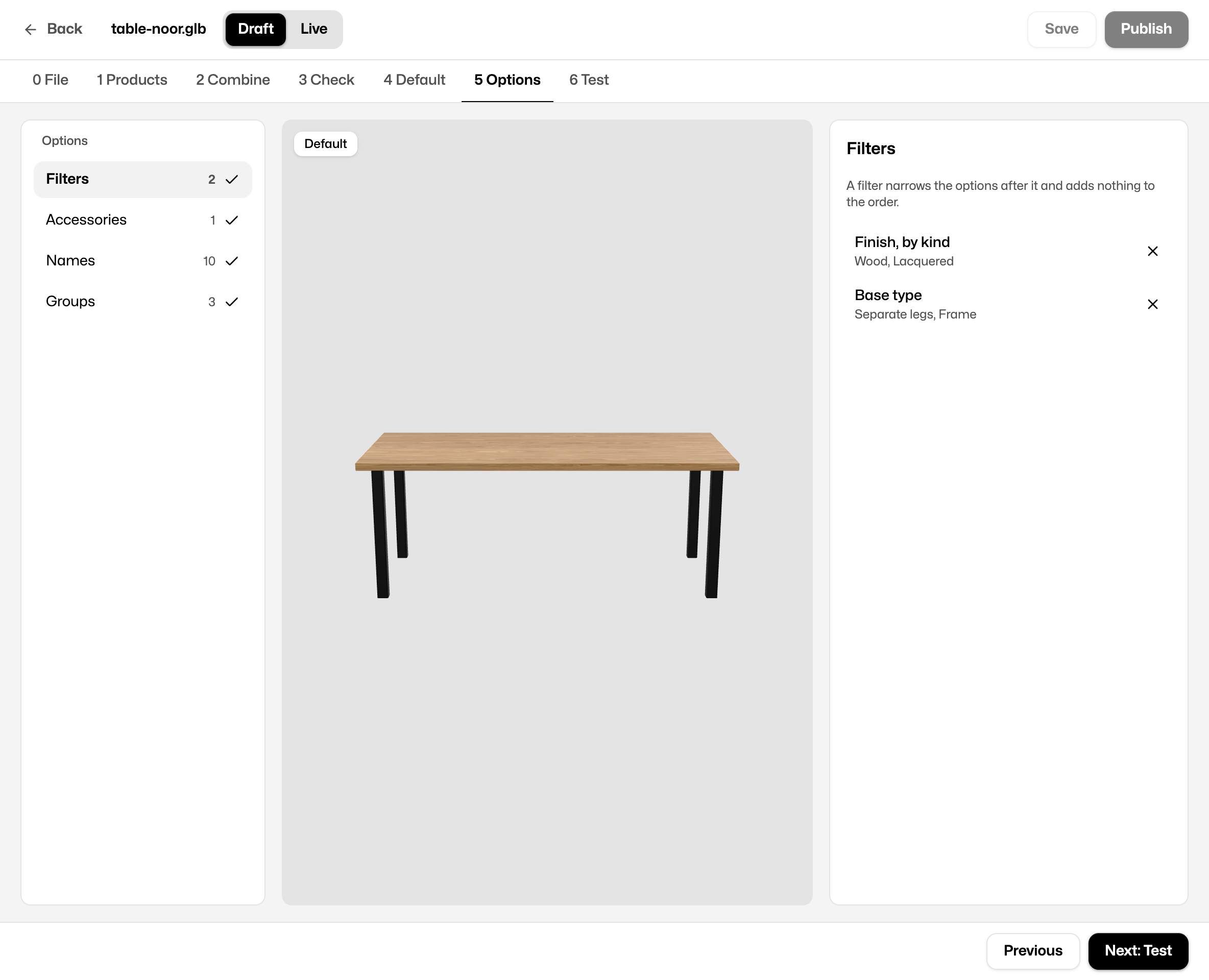
Step 5 opens on Filters. The table Noor has 2: over the kinds of Finish and over Base type.A filter makes the options after it smaller and adds nothing to the order. Choose Accessories.Noor care kit is an accessory: a product with no object in the model, on an order line of its own. Choose Names.An option is named after its property. Only the filter over Finish has a name of its own: Wood or lacquered. Choose Groups.Your customer gets the options in this order, in 3 groups: Top, Base and Care.
Step 5 opens on Filters. The table Noor has 2: over the kinds of Finish and over Base type.
This is the real screen, with table Noor. Try anything; saving is not possible here.