Drawn per size: each size its own drawing
A size has 2 answers at its top: Drawn per size and Stretches. Drawn per size holds when you pick nothing. Then nothing stretches. Each size shows the objects you place at that size.
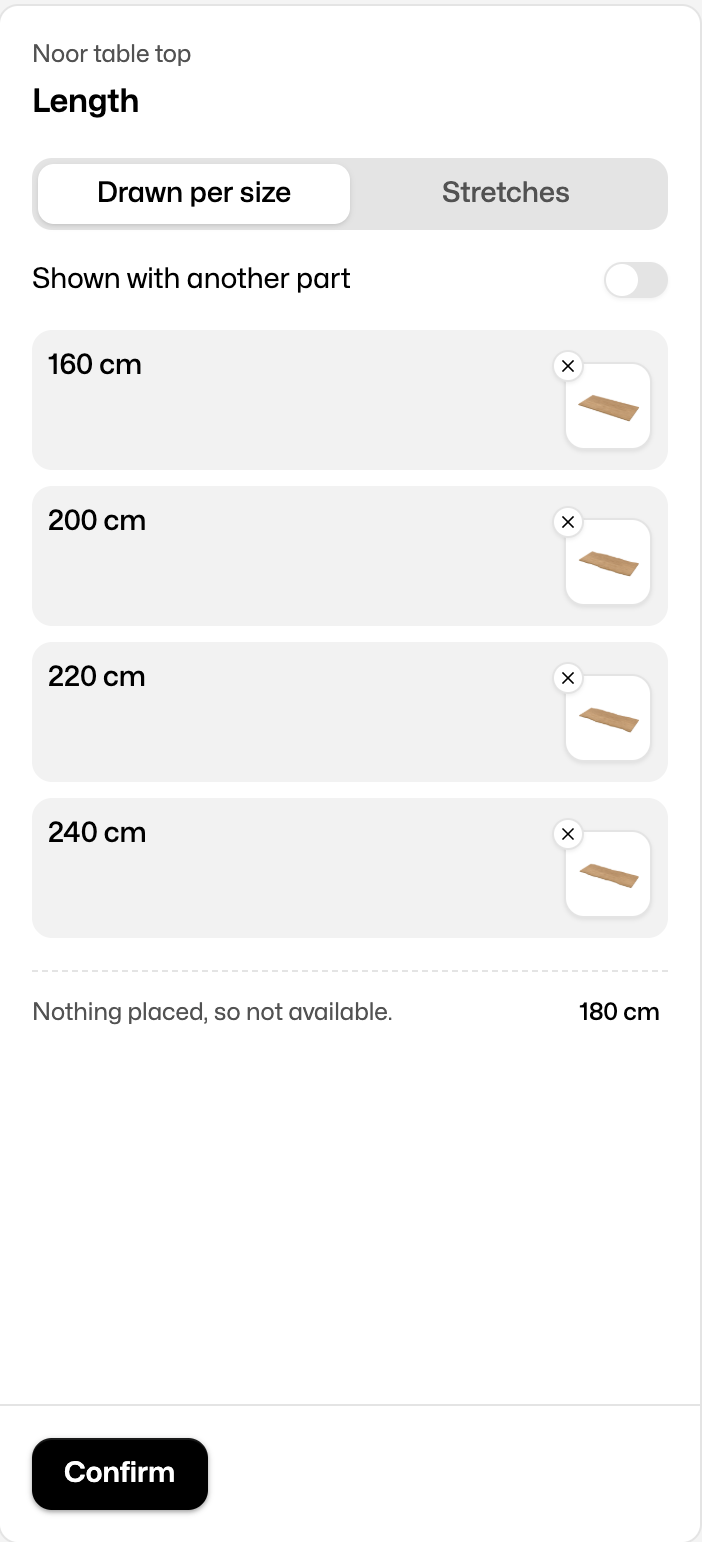
Choose Drawn per size when a size must not come from stretching, because the shape differs per size. Think of a cushion that would deform when stretched.
- In step 2, open the size.
- At the top, choose Drawn per size.
- At Click what shows at, pick a size, and under From the file click the object of that size.
- Do that for each size you sell.
- Choose Confirm and then Save. Your customer sees it after Publish.
A size with nothing at it, your customer does not get: Nothing placed, so not available.
The table Noor does not use Drawn per size: Length is on Stretches, the live edge included. See
A size that stretches.